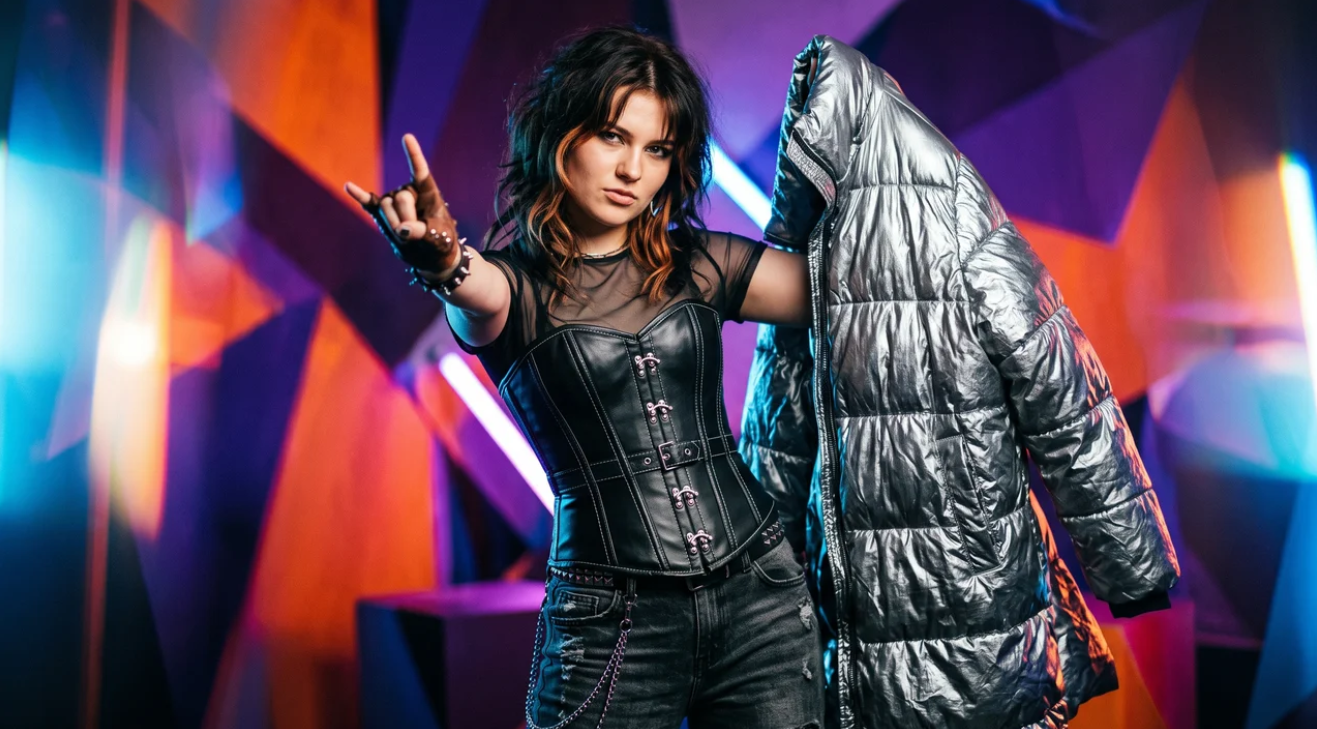
A light summer sundress or a tight tank top are removed by the neural network in a couple of seconds. In such cases, the algorithm understands everything: body curves are already visible under the fabric, and the network simply draws leather texture where the light textile used to be.
Problems begin when a bulky winter jacket, a multi-layered autumn sweater with a scarf, or wide oversize hoodies appear in the source. On such shots, generations often fail: shoulders become unnaturally wide, waist proportions break, and strange spots or artifacts appear where complex fabric was.
Let's figure out why the algorithm gets confused by volume and how to properly prepare complex sources so the result looks natural and anatomically accurate.
Why do oversize and corsets break anatomy?
To understand where the neural network makes mistakes, we need to look into the physics of Inpainting — the technology on which the "Undress" function works.
The algorithm doesn't know what a person actually looks like under the clothes. It only evaluates what it sees in the frame:
- Anchor points. Head, neck, hands, feet, and exposed skin areas.
- Outer silhouette. The extreme boundaries of clothing in the frame.
When you upload a photo in an oversize down jacket or fur coat, the neural network tries to reconstruct the body based on the outer contour. For it, fabric volume is the physical volume of the person. As a result, the algorithm "imagines" shoulders as wide as a doorway or an excessively massive ribcage.
With corsets and shapewear, the opposite happens. A corset artificially compresses the waist and pushes the chest upward. If you simply remove it in the generator, the neural network might produce a hypertrophied "hourglass" figure with an unrealistically narrow waist, because it mistook the corset shape for real bones and muscles.
3 main rules for working with complex wardrobes
1. Help the algorithm find real boundaries (Anatomical anchors)
The neural network needs a reference point. If a person is wearing a huge sweater, but thin wrists, neck, or collarbones are clearly visible in the photo, the algorithm uses them as "anchors" and can calculate real proportions more accurately.
Lifehack: Choose shots where arms, neck, or legs are visible under the bulky clothing. If a person is completely covered by fabric from chin to heels, the neural network will generate a figure "by guesswork."
2. Consider pose and shooting angle
If a person is wearing a rigid corset or a multi-layered look, avoid complex angles with torso twisting. In such poses, it is difficult to determine where the fabric curve ends and the spine curve begins. Shots in full face or three-quarter view with a clear guaranteed connection of "shoulders–waist–hips" work best.
3. Set correct text clarifications
If the tool allows adding text instructions to the undressing process, don't write an abstract "remove clothes". Specify the body type and anatomical details you want to get: natural body proportions, realistic slim waist, natural shoulders. This compensates for the visual noise from bulky clothing.
Checklist: How to choose the perfect photo with complex clothing
Before sending the source to generation, check it against five points:
- Clear visible anchors. Are at least two exposed areas visible in the photo (e.g., neck and hands or ankles)?
- Clear shoulder fit. Is it clear from the frame where the real shoulders end and the hanging seam of the oversize jacket begins?
- No strong overlaps. Are the hips and waist not covered by crossed arms, a shoulder bag, or a long scarf?
- Natural light. Are there no deep shadow voids on dense clothing that the neural network might mistake for body curves?
- Frame reserve. Is there a little space left around the figure (are shoulders or elbows not "cut off" by the edge of the photo)?
Error analysis: How cropping saves generation
Error: Attempting to "undress" a photo in a down jacket cropped at the waist
- What goes wrong: The frame is cropped just below the chest. Only a huge collar and puffy sleeves are visible in the photo.
- Result: The neural network generates giant, unnatural shoulders and doesn't understand where the waist is, producing blurred artifacts.
- How to fix: Crop the photo so the full silhouette fits in the frame (full-length or thigh-length portrait). The more context the algorithm sees, the more accurate the proportions.
Error: Ignoring accessories over clothing
- What goes wrong: A person is wearing a complex jacket, and on top of it — a massive backpack, a handbag strap, or a large scarf.
- Result: The algorithm tries to "melt" the backpack strap into the skin, creating strange stripes or chest deformation.
- How to fix: For inpainting, it is better to use shots without crossing straps and large accessories on the torso.
Removing complex clothing is not a lottery, but working with hints for the algorithm. Choose shots with good detail, exposed "anchors," and clear lighting, and even the most lavish winter look will turn into a natural, anatomically accurate result without unpleasant surprises.